

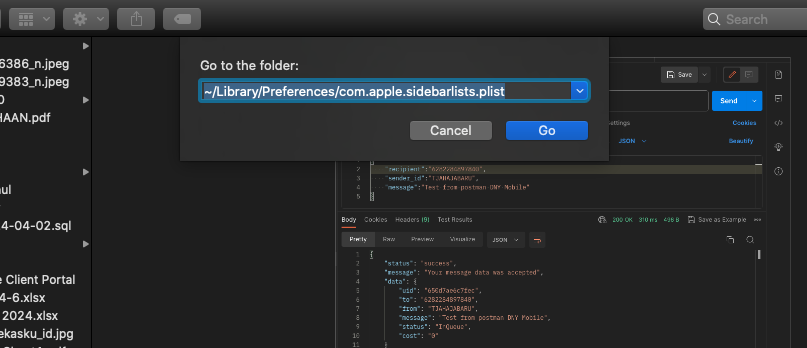
The Finder is the home base for your Mac. The Finder icon looks like a blue smiling face; click the icon in the Dock to open a Finder window. You use Finder windows to organize and access almost everything on your Mac. Sometimes many things cause our finder settings to change, either intentionally or unintentionally in the process of working on a Mac.

Hiding web files extention is impoertant to make your website Search Engine Friendly. In this article I will share how to do that with configure httaccess file. Please follow below step.

Sometimes we do not know what is the Number of SIM Card you have used. Without call your friend or family you can check your SIM Card number. Below is the way to get your SIM Card number.
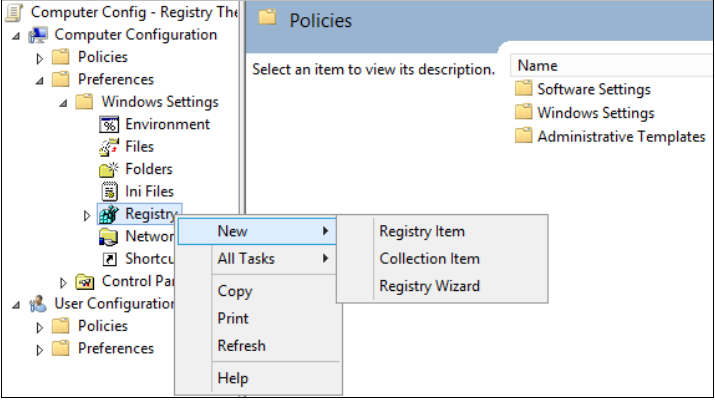
Ada kalanya kita bingung saat kita hendak melakukan koneksi dengan komputer lainya pada jaringan local kita dikantor maupun di rumah. Ketika hendak sharing file maupun sharing printer, ternyata komputer yang berada di jaringan local kita tidak dapat diakses dan tidak tampil di network browse.

Permissions help the server determine which users have the ability to read, write or execute files or folders. More precisely, file permissions include the ability of viewing, editing and running the file as a script, respectively. Folder permissions include viewing the content, adding or removing the files or performing some other actions on the folder.

The MacPorts Project is an open-source community initiative to design an easy-to-use system for compiling, installing, and upgrading either command-line, X11 or Aqua based open-source software on the Mac operating system.
 An NGINX reverse proxy acts as an intermediary between clients and backend servers, routing incoming traffic to the appropriate server based on URL, load balancing, and other criteria. This configuration enhances web application performance, improves security, and provides flexibility in managing traffic to various servers.
Helo, Laravel 11 was deleted /app/Console/kernel.php file. If we using Laravel 11 version, we should put all of our command inside file routes/console.php
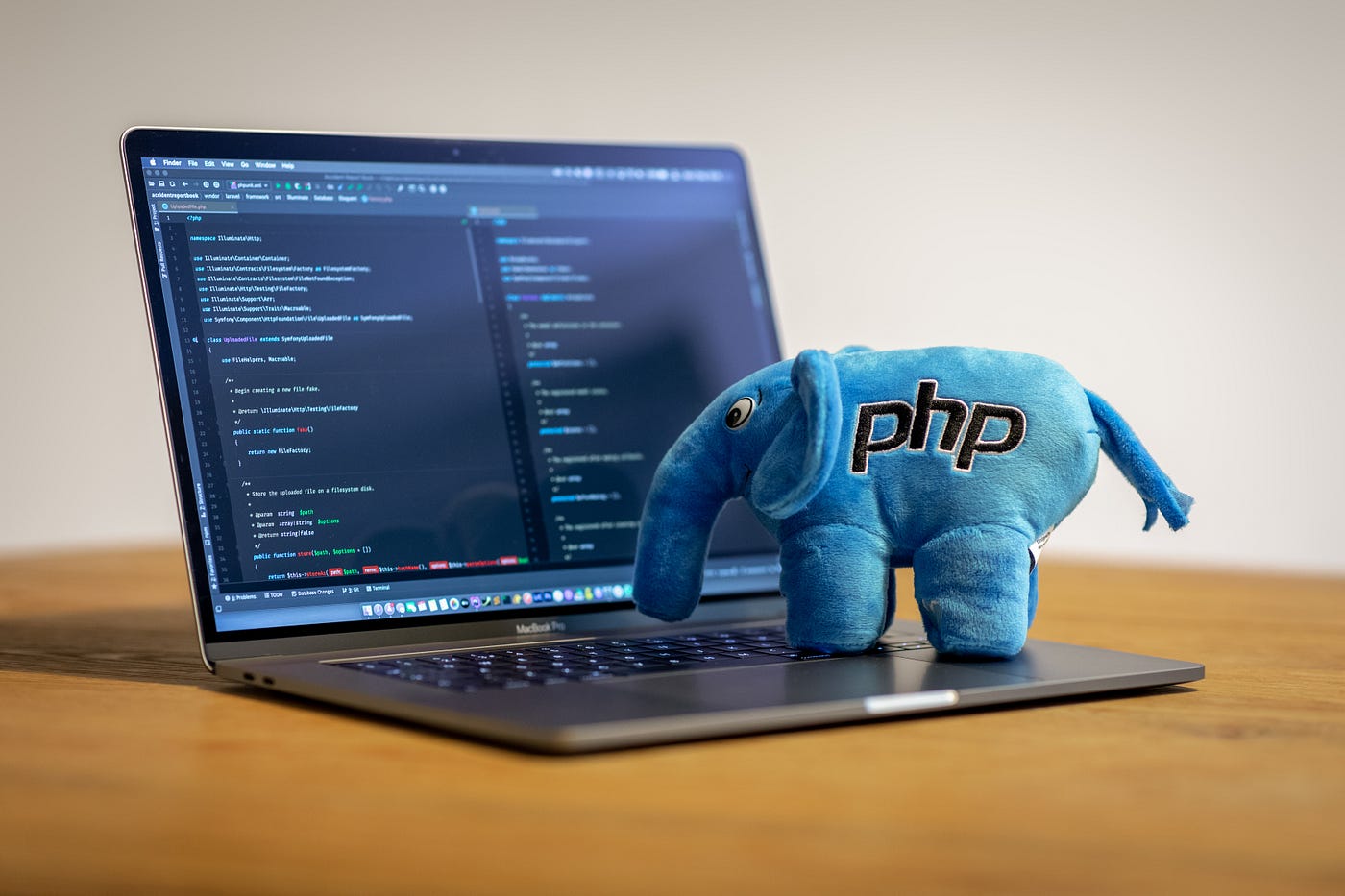
If you have many project in your laptop, and build with many php versions, you need different PHP Version to run or update your projects. This article will help you to setup multiple PHP version in your MacOS. Please follow below step.

A Linux service is a background process that runs continuously to perform specific tasks. Services can start automatically at boot time and run without user intervention. Examples include web servers, database servers, and network services. Below is the command to start, stop and restart ubuntu linux services.

Laravel's command scheduler offers a fresh approach to managing scheduled tasks on your server. The scheduler allows you to fluently and expressively define your command schedule within your Laravel application itself.

Composer adalah Dependency manager untuk PHP. Dependency jika diartikan dalam bahasa indonesia adalah ketergantungan. Ketergantungan yang dimaksud adalah jika program PHP yang kita bangun membutuhkan library dari luar.

Operating system logs provide a wealth of diagnostic information about your computers, and Linux is no exception. Everything from kernel events to user actions is logged by Linux, allowing you to see almost any action performed on your servers. In this guide, we’ll explain what Linux logs are, where they’re located, and how to interpret them. To display logs please follow command below.
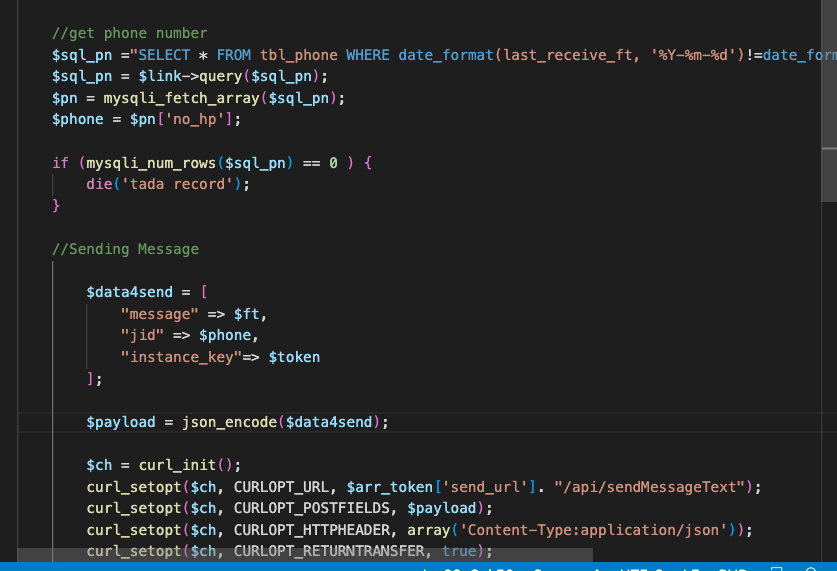
In Development web or App, sometimes we need to check if record is exist in our record. To do this, we can execute php code like below

Pada post kali ini kita akan mempraktekkan cara upgrade PHP dari Versi 7.4 ke Versi 8.0 dengan menggunakan package manager untuk MacOS Homebrew yang keren. MacOS yang digunakan sebagai ujicoba adalah Versi Catalina.

ZIP is an archive file format that supports lossless data compression. A ZIP file may contain one or more files or directories that may have been compressed. The ZIP file format permits a number of compression algorithms, though DEFLATE is the most common.

To secure your our website, we need to use HTTPS. HTTPS uses SSL/TLS to encrypt the traffic between the web server and clients, making it much more secure. However, manually provisioning and renewing SSL/TLS certificates can be a time-consuming and error-prone process.
We can enable HTTPS to our website/domain by installing a free TLS certificate from Let’s Encrypt. To do that, Run the following command to install Let’s Encrypt client (certbot) on Ubuntu server.

Membangun sebuah website adalah merupakan gabungan dari berbagai system yang saling mendukung, dimulai dari server, sistem oprasi, database, script website, dll sehingga sebuah website dapat diakses secara online melalui sebuah browser.

Halo teman-teman, pada kesempatan kali ini saya akan berbagi beberapa perintah yang susah dihafal, sehingga kita diharuskan membuat catatan. Perintah-perintah ini sering/wajib kita gunakan didalam mengoperasikan atau mengkonfigurasi server linux kita.